Try it on the demo venue
Our demo venue is a real setup on Trybe’s playground, so what you see is the product itself, not a mock-up. Bookings and payments there are test data: nothing charges a real card, and nothing you enter reaches a real venue.
1. Book like a guest
Section titled “1. Book like a guest”Open demo.shop.tepidara.com on your phone. Choose a day pass, a time and the size of your party, answer the robe size and changing room questions, and pay with the test card. The confirmation page ends with a Check in for your visit button.
The shop also sells café items, gift cards and other ways to pay, if you want to see those.
2. Check in on your phone
Section titled “2. Check in on your phone”Follow the button, or open demo.arrivals.tepidara.com and type the booking reference and the surname you booked with.
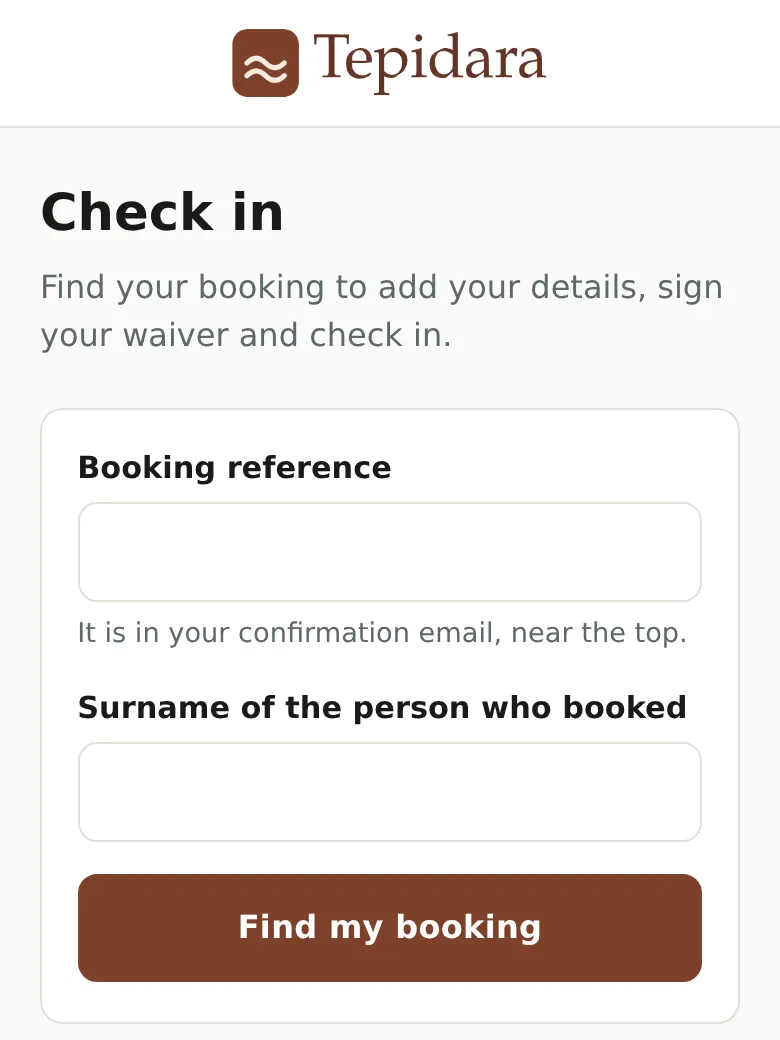
You’ll go through your details, the waiver, an invitation for the rest of your party, a card for your wristband, and your robe size and locker, then check in. Until check-in opens for your visit, the page says when it will be ready in place of the I’m here — check me in button.
Every optional step is switched on at the demo venue so you can see them all. A real venue picks the steps it wants, and most guests take about two minutes.
3. The front desk and the kitchen screen
Section titled “3. The front desk and the kitchen screen”The staff screens are web pages too, opened in a browser with nothing to install. They are paired devices rather than pages anyone can open, so ask us for a link. The demo café is the exception: its page carries a link to its kitchen screen, so you can watch a café order arrive without asking.
-
The front desk, demo.pos.tepidara.com: check a guest in, link a wristband, and ring up a café order on the card the guest saved at check-in.
-
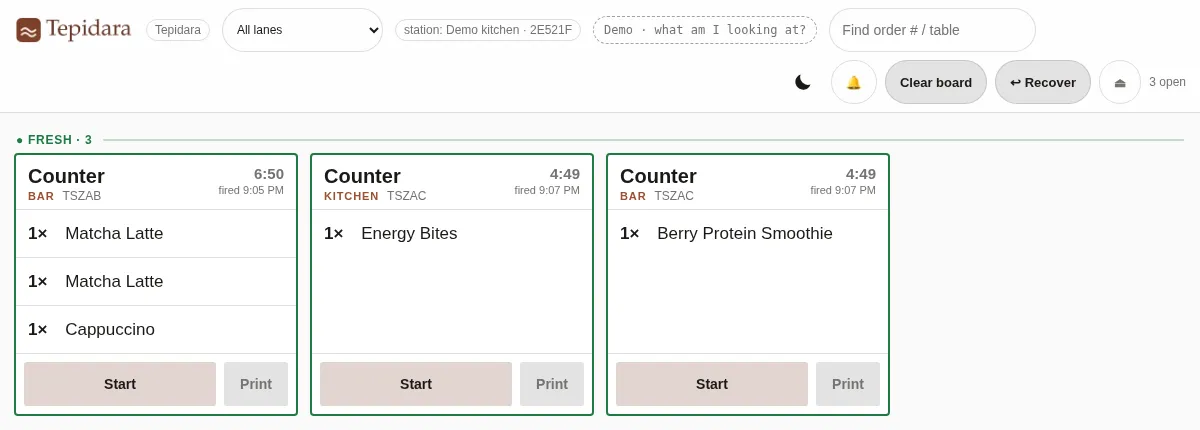
The kitchen screen, demo.kds.tepidara.com: that order appears on the board within seconds, and you can move it through Start, Mark Ready and Done.
-
The lobby kiosk: the same check-in as step 2, on a tablet at the door.
4. The admin console
Section titled “4. The admin console”app.tepidara.com is where a venue’s team sees the sizes by arrival board, the gift card and rewards desks, and the reports. Ask us for a sign-in and we’ll set one up for you.
Want a guided walk?
Section titled “Want a guided walk?”Ask us for a demo booking already made, a desk link and a kitchen link, and we’ll walk it with you end to end in about fifteen minutes.
Something wrong or unclear on this page? Tell us and we’ll fix it.