Book a whole group into one tub
For venues that sell a private space to a group: a soaking tub, a cabana, a sauna or a private room. We call it a tub here.
The page asks for the party size first, offers only the times when one tub seats everyone, and books the whole party into that tub at that time in one go. Then the guest pays on your Trybe checkout.
What the guest does
Section titled “What the guest does”-
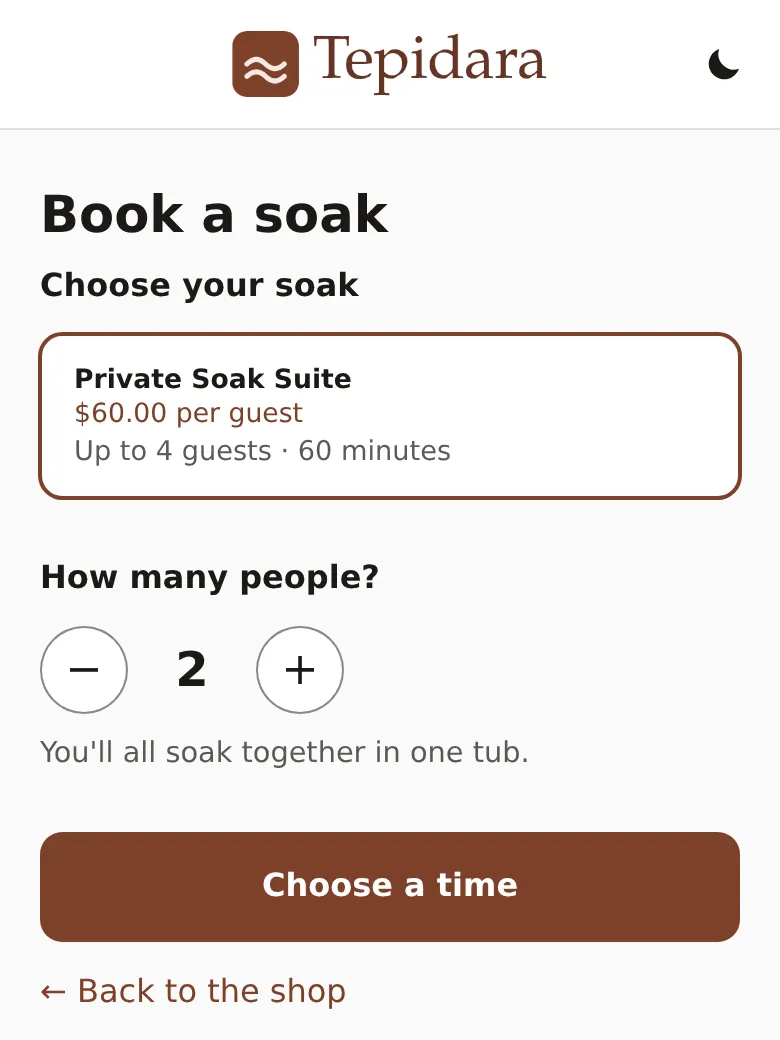
The soak and the party size. Each soak shows its price per guest, the most guests it can take (its largest tub) and how long it lasts.
-
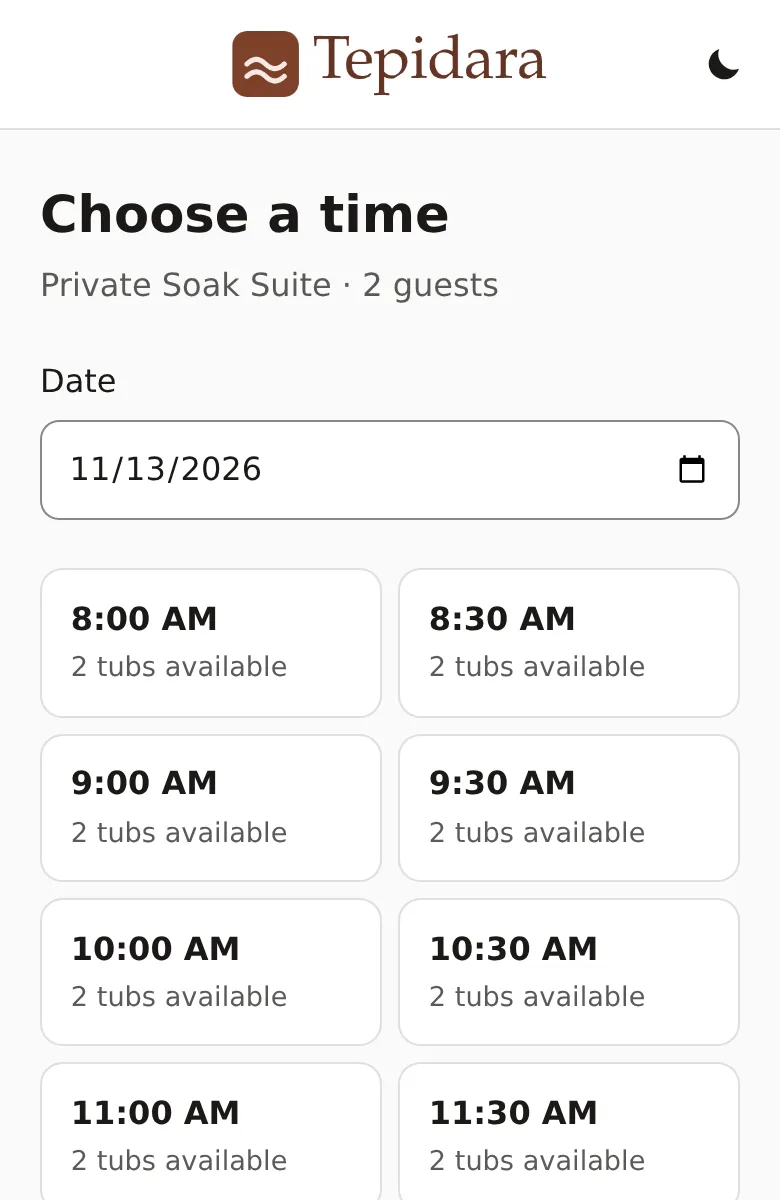
The time. The guest picks a date and sees only the times when at least one tub seats the whole party, each with how many tubs are free. If no tub fits on that date, the page says so and suggests another day or a smaller group. Times are shown in your venue’s time, with a note when the guest’s phone is in another time zone.
-
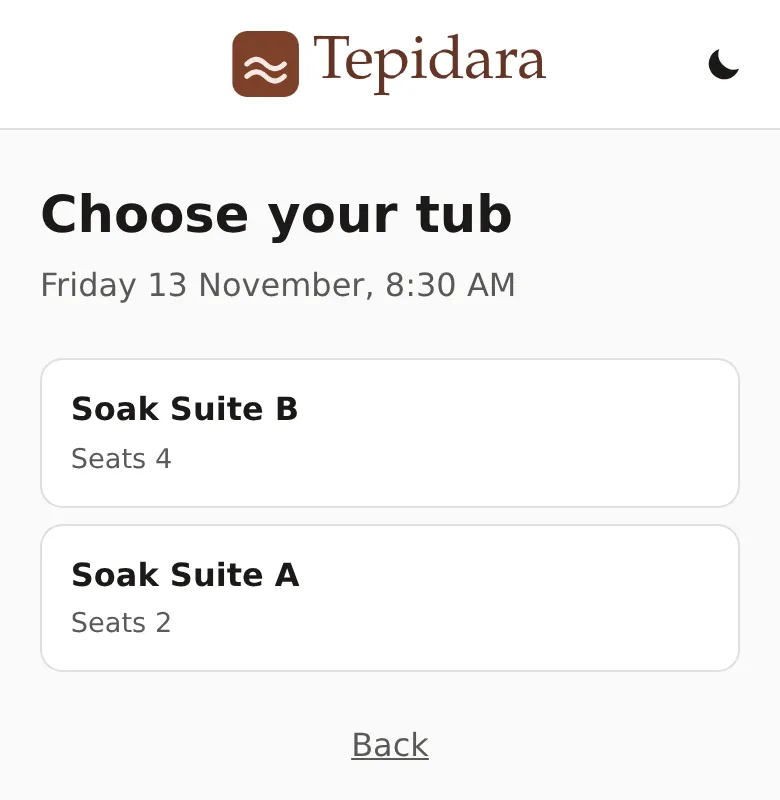
The tub. Asked only when more than one tub fits, with how many each one seats.
-
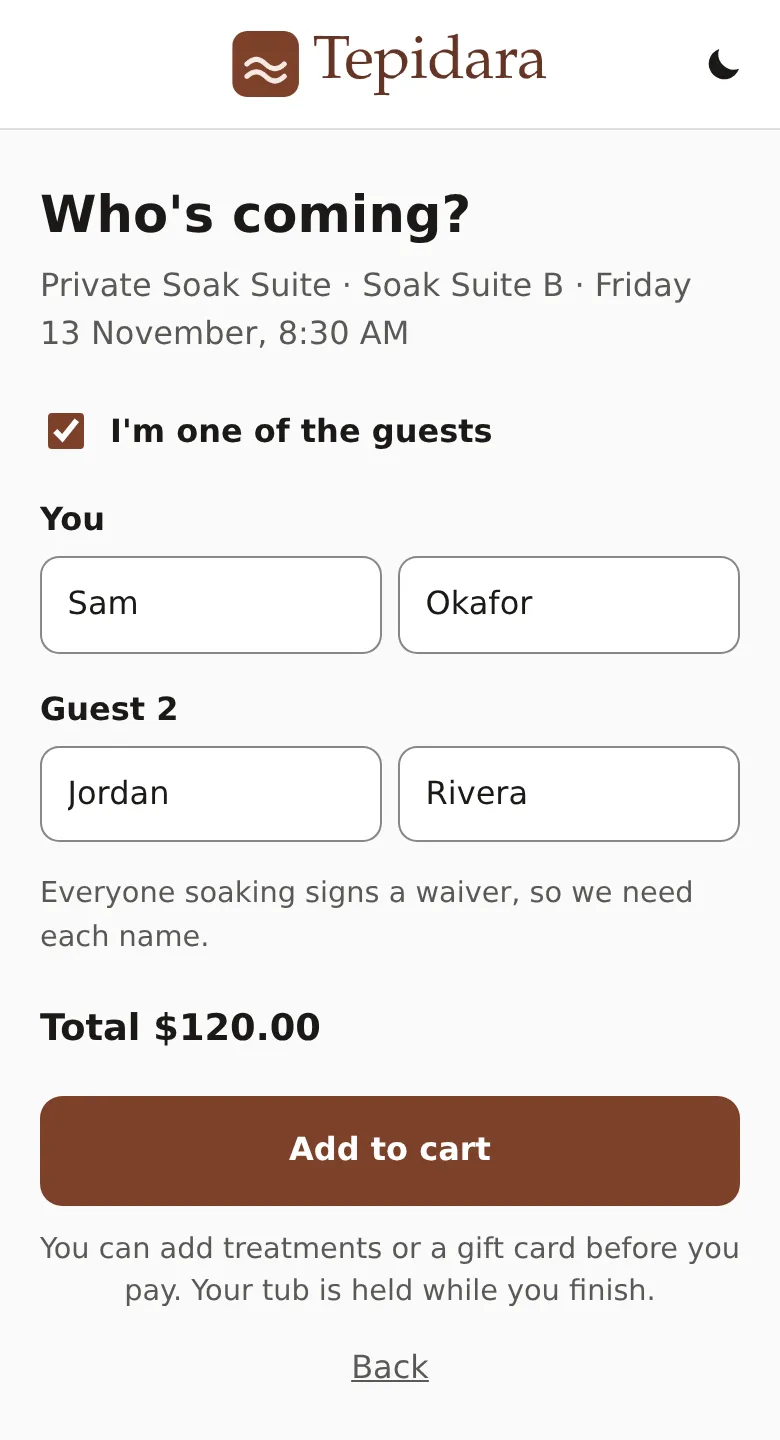
Who’s coming. A first and last name for everyone, because everyone soaking signs a waiver. A guest booking for other people, such as a gift, unticks I’m one of the guests. Nobody in the party is then marked as the person who booked.
-
Add to cart. The page goes straight to your Trybe checkout, where the guest gives their details, can use a gift card or promo code, and pays. They can go back to your Trybe shop and add a treatment or a gift card before paying.
Trybe holds the tub for about 15 minutes while the guest finishes. A basket that is not paid in that time gives the tub back.
If the tub goes while they type
Section titled “If the tub goes while they type”Another guest can book the same tub while this one is typing names. The page then says That time was taken while you were booking. Please pick another. and shows a fresh list of times. It also removes the guests it had just added, so the next try starts clean.
Booking a group at the desk
Section titled “Booking a group at the desk”Your team can book phone and walk-in parties the same way. Open your booking page’s address followed by /staff:
- Choose the soak, party size, time and tub, and name the guests, as above.
- Tap Hold the tub, then Open the order in Trybe. The order opens in Trybe’s back office.
- Select the client, check the guests and the tub, then confirm and take payment as usual.
The tub is held for about 15 minutes. Confirm before then, or book it again. The page itself has no sign-in; the order it opens needs your Trybe login.
What it looks like in Trybe
Section titled “What it looks like in Trybe”One order, with every guest named, all in the chosen tub at the chosen time. Your Trybe Group bookings setting for the soak decides how it is recorded:
- On: one booking for the whole party.
- Off: one booking per guest, all in the same tub at the same time.
Either way the party pays the price per guest for each guest.
What we set up with you
Section titled “What we set up with you”- Which soaks appear and what each is called on the page. Everything else is read from Trybe as guests book: tub names and seats, prices, length and start times. Change them in Trybe and the page follows.
- Start times follow your site’s opening hours in Trybe. A soak’s own availability rule that starts earlier than the site opens does not add earlier times.
- Your Trybe settings for each soak, which we check with you:
- it has its tubs assigned, or it can never be booked;
- its booking limit is not “one per order”, which would turn away every guest after the first;
- Maximum orders is 1, so one booking makes the tub private. With any other number, another party can be booked into the empty seats.
- A link back to your website or shop, if you want one.
Something wrong or unclear on this page? Tell us and we’ll fix it.